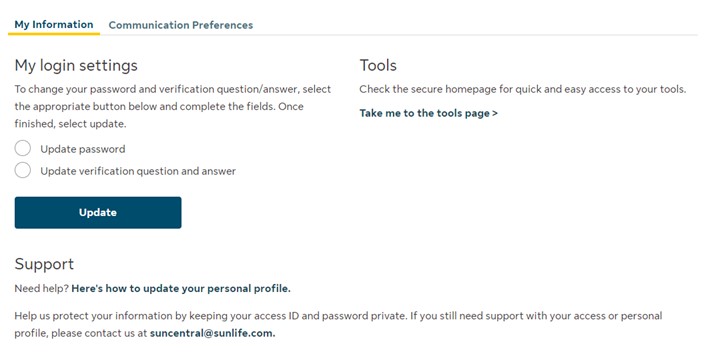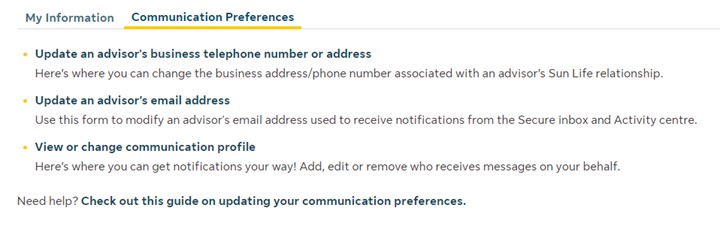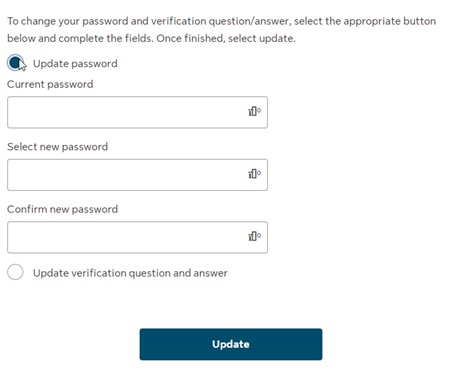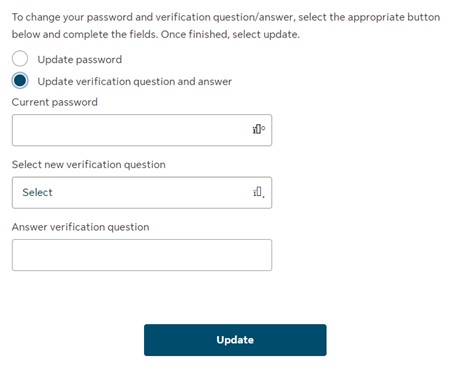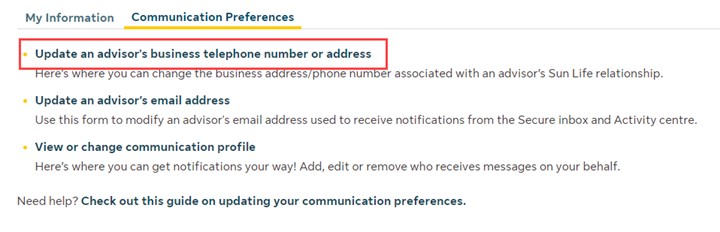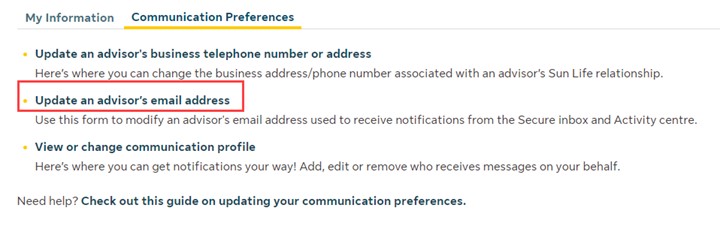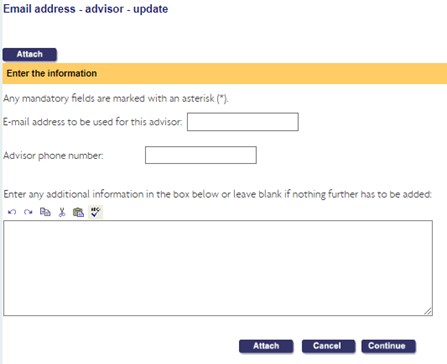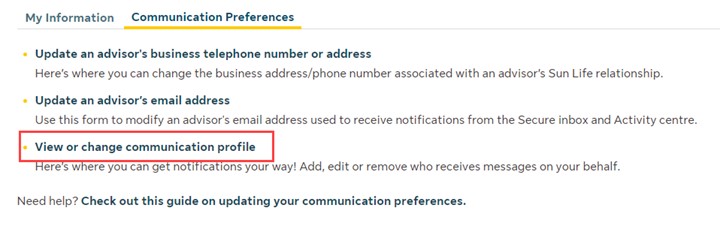
Your Personal profile is accessible on the secure Suncentral site by clicking the Personal profile icon in the top right section of any page. Within the Personal profile you will see the different sections indicated by tabs where you can manage your site access (My Information tab) and Communication Preferences. These updates include:
- Update your password
- Update your verification question and answer
- Quick and easy access to the tools page
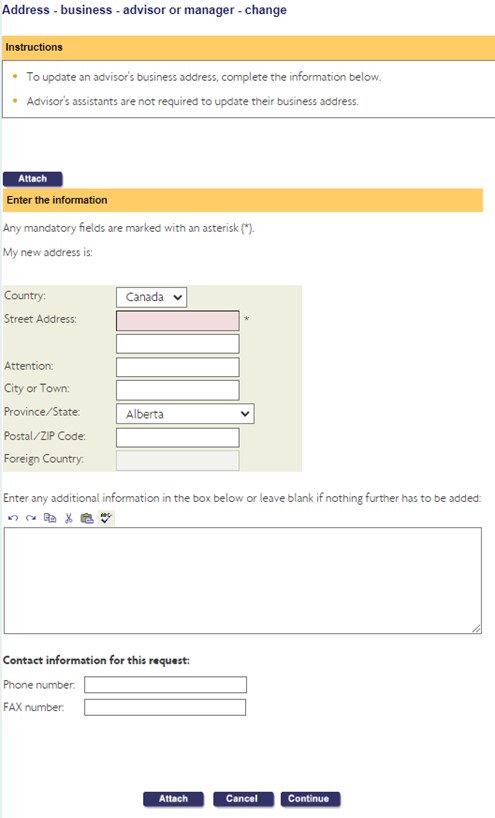
- Update an advisor’s business telephone number or address
- View or change the communication profile (For more information, check out the guide on updating your communication preferences.)
Important reminder: By granting access to this account, you agree to immediately inform Sun Life if this person leaves or transfers to another organization. Failure to do so will result in the unauthorized individual retaining access to your block of business.