- Search

- Search
-
New business and underwriting
Creating a report and setting report defaults
This sheet will show you how to display your Illustration Report with the pages you have selected. It will also show you how to set it as a default, so that every time you run an illustration for this product the same pages will be displayed.
1. Click on Report Selection icon.

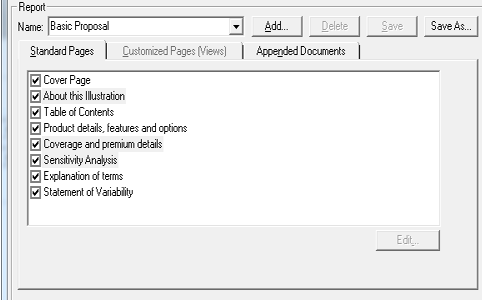
2. Select all the pages you wish to include in your new report.
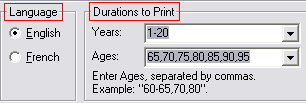
3. Select the language and the durations you wish as your default
4. Add the new report by clicking on Add.

5. Enter new report name.
6. Click OK.
7. Select the report you wish to set as the Default Report.